



SIGNATURE SERIES AMPLIFIERS
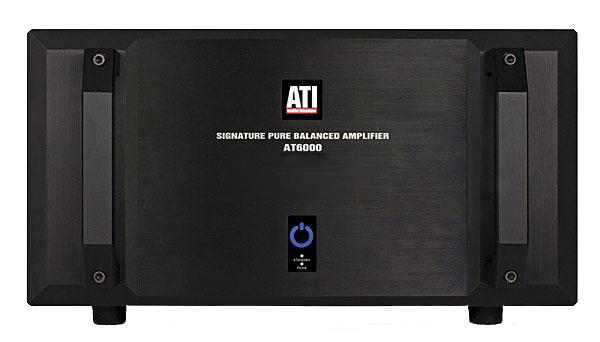
Amplifier Technologies presents our most musical, pure fidelity amplifiers with the Signature Series amps. Offered at two power output levels, the AT6000 Series amps deliver 300 watts per channel and the AT4000 Series amps deliver 200 watts per channel. Both series are available in 2 to 7 channel configurations. The Signature Series amplifiers are the culmination of everything Morris and ATI have learned about audio power amplification. The Signature Series Amplifiers are a “Pure Balanced” current feedback Class AB topology.
CLASS D AMPLIFIERS
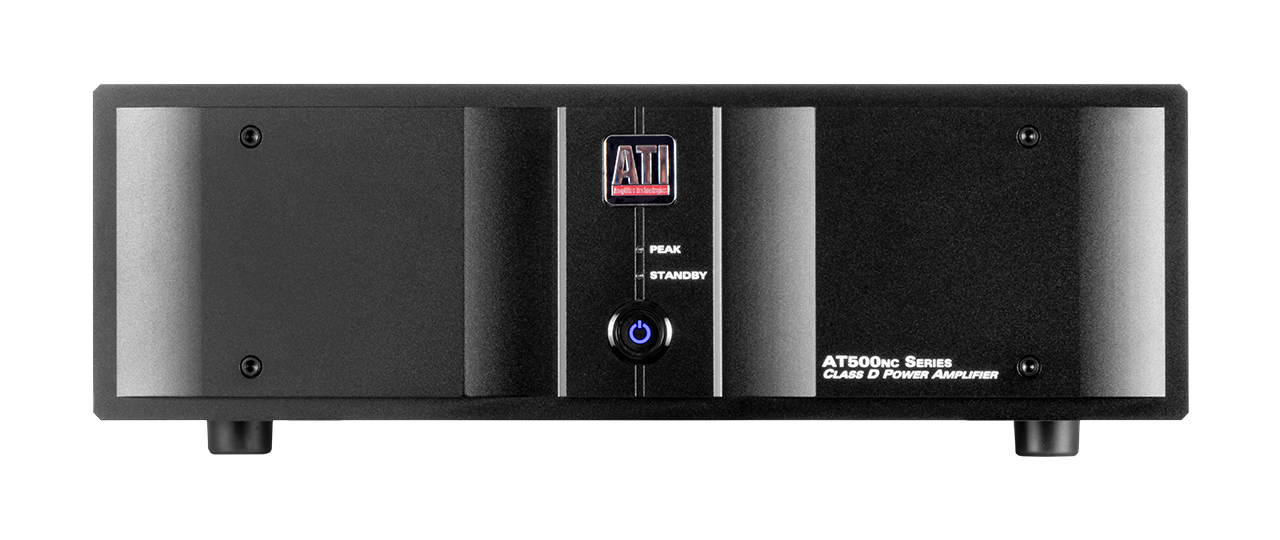
Amplifier Technologies undertook an approach to Class D amplification with the goal of Class AB sonic performance characteristics combined with the efficiency of power and space offered by a Class D design. The results are the AT500NC Series amps. Offered at two power levels of 200 watts per channel from 2 to 8 channels and at 500 watts per channel from 1 to 4 channels, AT500NC amps deliver the classic ATI sound, power and reliability in massively compact 3RU chassis designs. The AT500NC Series amps incorporate Hypex N-Core® Class D output power modules combined with ATI input stages and linear power supplies.

CLASS AB AMPLIFIERS
Amplifier Technologies AT1820 Series amplifiers meet the needs of home audio systems from two channel to home theater. Simple and straightforward in design, the ATI AT1820 series offers models from 2 to 7 channels per chassis. AT1820 Series amps deliver 200 watts per channel to 8 ohms and 300 watts per channel to 4 ohms and offer tremendous value, performance, and reliability.
DISTRIBUTION AMPLIFIERS
Amplifier Technologies has applied our simple and straightforward design-thinking for a multizone audio experience. The AT7012 and AT7016 amps are designed for high-demand, multi-channel, multi-zone applications. Providing 70 watts per channel through the legendary ATI amplifier input to output stages, ATI distribution amps will fill a home, estate or commercial space with clear and dynamic sound for up to 16 speakers with clean and dynamic sound for up to 8 zones.
PURE BALANCE SERIES AMPLIFIERS
Amplifier Technologies have developed a powerful multi-channel amplifier capable of astounding performance for music and cinema experiences. The AT3300 Pure Balance Series amplifiers deliver 330 watts per channel at 8 ohms and are available from 2 to 8 channel models. Featuring toroidal transformers and differential output stages, the AT3300 Series utilize ATI’s hybrid cooling system to keep the amplifier safely operating under the most demanding conditions.